
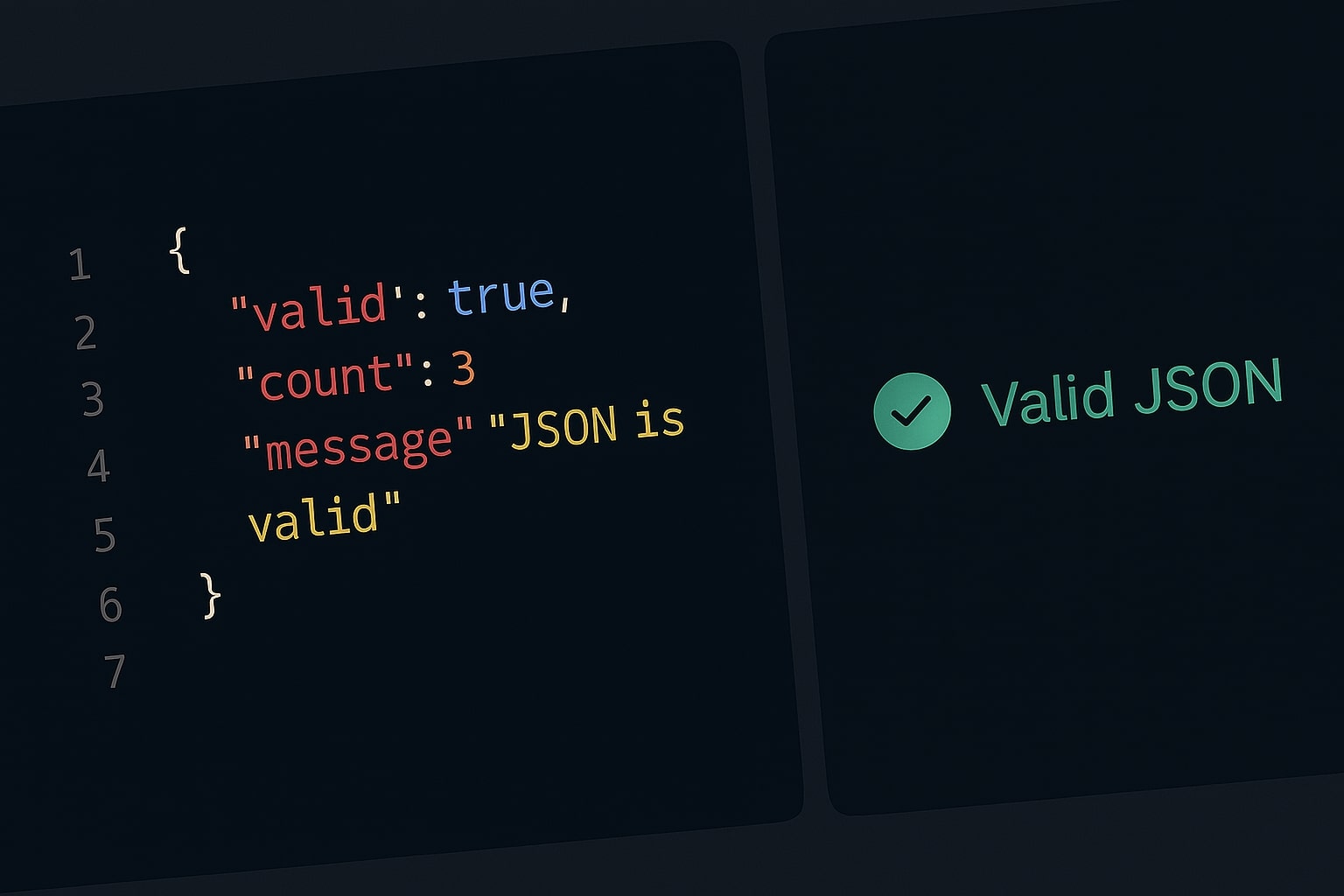
If you are a developer, you deal with JSON (JavaScript Object Notation) every single day. It is the standard format for APIs, configuration files, and data storage. But JSON has a problem: It is incredibly strict. A single missing comma or a "smart quote" can crash your application. This is why every developer needs a reliable json validator online.
The Hidden Risk of Online Formatters
When your code crashes, your instinct is to paste it into the first "JSON Formatter" you find on Google. Stop and think: What is in that data? API Keys? User emails? Database credentials?
Most online tools process your data on their servers. You are uploading private data to a stranger's database. This is a major security risk.
The Solution: Client-Side Validation
At ToolBond, we built a privacy-first JSON formatter. Our tool runs entirely in your browser using JavaScript. When you paste code into our JSON Formatter & Validator, it is processed by your computer's RAM. It never travels over the internet.
How to Use a JSON Formatter and Validator
1. Validation (Debugging)
Paste your raw string. If there is a syntax error, our tool will highlight exactly where the script broke, catching issues like Trailing Commas or Single Quotes.
2. Beautifying (Pretty Print)
Our json formatter adds proper indentation and line breaks to minified API responses so humans can read them easily.
3. Minifying (Compression)
If you are sending data back to a server, our tool can strip all whitespace to reduce file size instantly.
Why ToolBond is the Best choice
- 0% Data Leakage: 100% Client-side.
- File Upload Support: Drag and drop
.jsonfiles directly. - Instant Feedback: Real-time error detection.
Don't let a missing bracket ruin your day. Try the tool now: Launch Free JSON Formatter